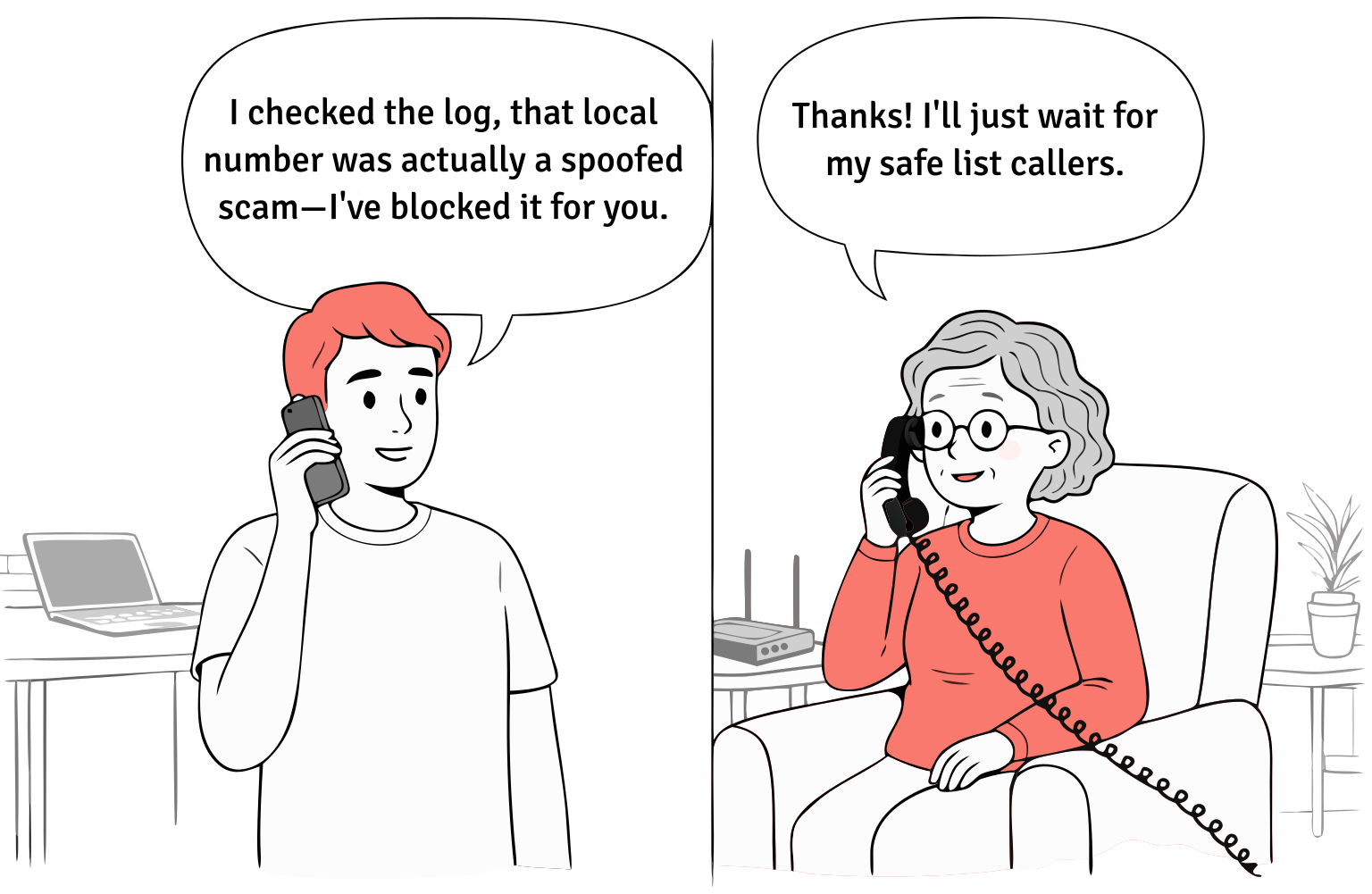
Helping your parent with technology
Simple ways to reduce tech frustration for your parent and for you.
Simple ways to reduce tech frustration for your parent and for you.

Best Overall
You didn’t sign up to be in the family IT department. But somewhere between resetting passwords and explaining caller ID, that’s what happened.
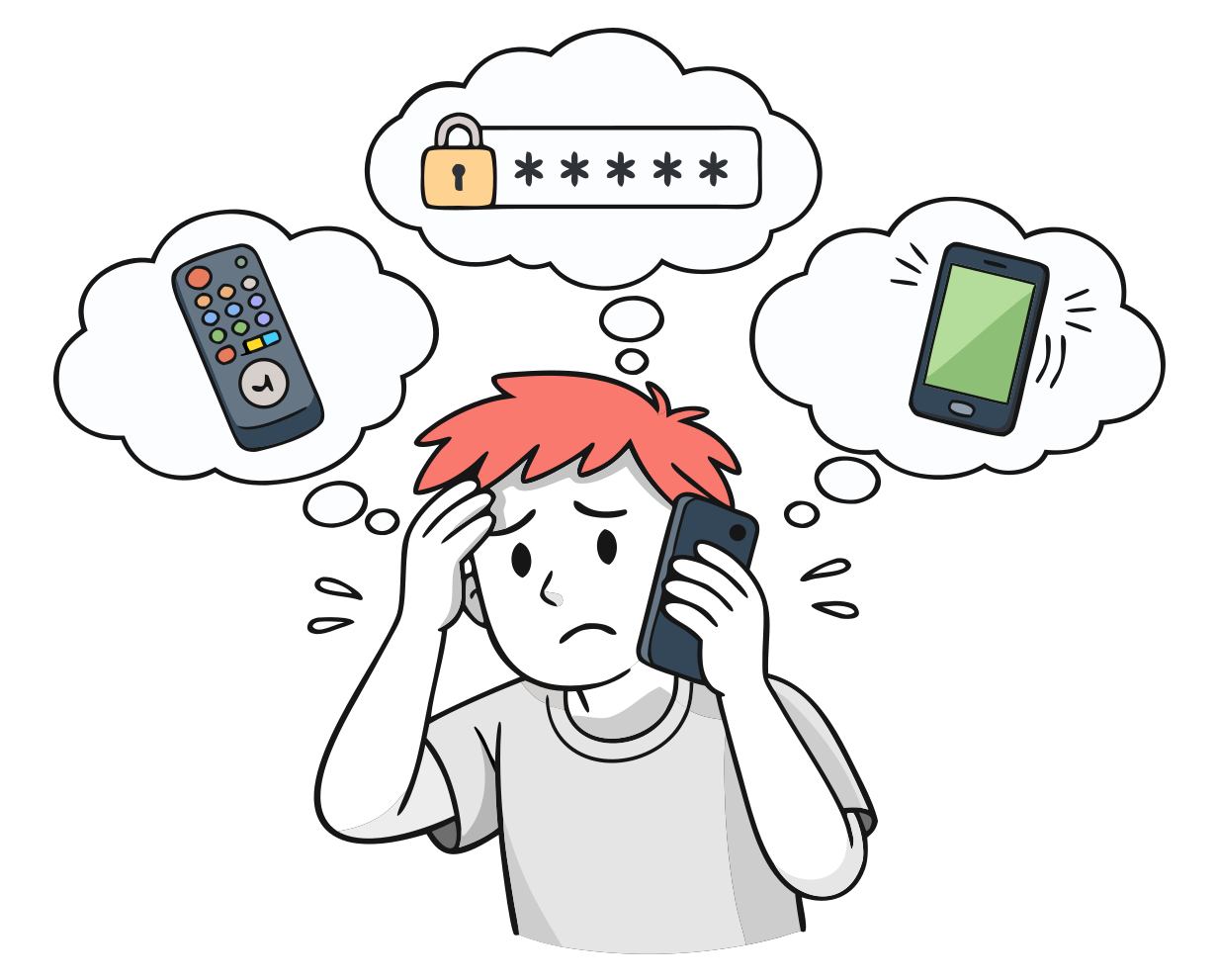
It usually starts small. Your mom calls because her TV remote "stopped working." Your dad can’t figure out his email password for the third time this month. You walk them through it over the phone, and you both end up frustrated.
This is extremely common. According to a 2017 Pew Research Center survey, roughly 77% of older adults say they need someone to help them learn a new technology. And the challenge isn’t just technical. Your parents spent decades as the competent ones in the room. Being a beginner at something their grandchildren do effortlessly can feel humiliating. The instinct to just stop trying is strong.
That puts you in a difficult position: you want to keep them connected and safe while respecting their independence, without losing patience in the process.
Search "how to help elderly parents with technology" and you’ll find dozens of articles telling you to be patient, use large fonts, and show them how FaceTime works. That advice isn’t wrong. It’s just incomplete. It treats the symptom (they can’t use the device) without addressing the question most families are really asking:
The honest answer, for many seniors, is far less than we assume. Not every parent needs a smartphone. Not every parent needs to learn apps. What most parents need is to stay connected to their family, reachable in an emergency, and safe from the people trying to take advantage of them.
Those three things don’t require a tutorial. They require the right setup.
Every family helping an aging parent with technology runs into the same set of problems. They’re rarely about the technology itself.
This is the single most common source of frustration. Your parent has accounts they barely remember creating, passwords they’ve written on scraps of paper (or haven’t written down at all), and security questions they can’t answer because they set them up years ago. Every time they get locked out, you get the call.
The instinct is to set up a password manager, but that introduces another piece of technology they need to learn. For many seniors, the most reliable solution is the simplest one: a physical notebook or laminated card kept in a consistent spot, with accounts and passwords written in large, clear print. It’s not sophisticated, but it works. And it puts control back in their hands instead of making them dependent on you every time they need to log in.
Your parent finally gets comfortable with their phone, and then an update changes the interface. The button they relied on moves. A new screen appears asking them to accept something they don’t understand. They weren’t struggling with the old version, but now they feel lost again.
This cycle is exhausting for seniors and for the family members supporting them. Every update resets the clock on their confidence. The most helpful thing you can do is turn off automatic updates where possible, disable notifications that aren’t essential, and resist the urge to upgrade their device unless the current one is truly broken. Stability matters more than having the latest version.
This is the emotional layer underneath the practical problems. Your parent used to be the one who figured things out. Now they’re asking you for help with something a child could do, and they know it. That dynamic creates tension on both sides. You may feel impatient. They may feel embarrassed. Neither of you says it out loud.
Tech experts who work with seniors consistently emphasize the same thing: the single most important factor isn’t the device or the app. It’s whether the person helping them treats the interaction with patience and respect, letting them do it themselves rather than grabbing the device and doing it for them. If your parent wants to learn, let them practice. If they don’t, that’s okay too. Not every senior needs to become tech-literate. Some just need the technology around them to be simple enough that literacy isn’t required.
Sometimes the issue isn’t the technology at all. Researchers at Ohio State’s Cognitive and Memory Disorders clinic note that difficulty with familiar technology, like a phone or TV remote a person used to operate easily, can be an early indicator of cognitive decline. If your parent was comfortable with their devices six months ago and is now consistently confused by them, it’s worth paying attention to.
This doesn’t mean every forgotten password is a sign of dementia. But if you’re noticing a pattern of increasing difficulty across multiple devices, combined with other changes in behavior or routine, a conversation with their doctor is a reasonable next step. Catching cognitive changes early opens up more options for support.
You don't need to solve everything at once. Here are some things you can do right now to reduce the technology burden on your parent and on yourself.
Audit what they actually use. Walk through your parent's home and identify every device they interact with: TV remote, phone, tablet, computer. You may find they're paying for services they don't use or struggling with devices they don't need. Simplify ruthlessly.
Write it down, physically. For the devices and accounts they do use, create a simple reference sheet with large print and keep it next to the device. Include the basics: how to turn it on, how to make a call, who to contact if something goes wrong. Digital password managers are great for you. A laminated card next to the phone is better for them.
Designate one person as tech point of contact. If multiple family members are giving conflicting advice ("just download this app," "no, use this one instead"), it creates confusion. Pick one person who handles tech support. Everyone else channels requests through them.
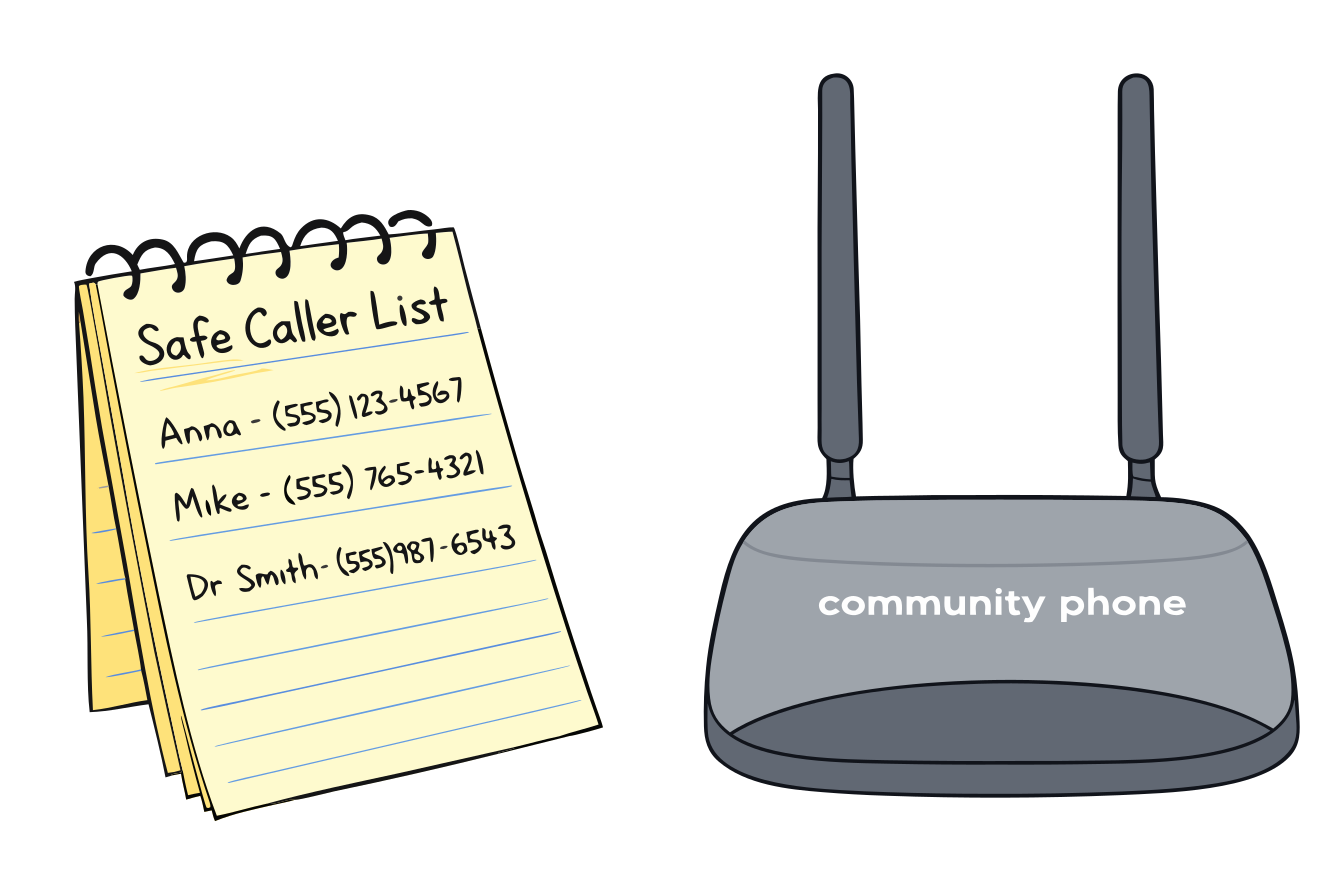
Address the scam risk directly. Sit down with your parent and have a specific conversation about phone scams. The most effective advice is the simplest: if anyone calls asking for money or personal information, hang up. It's not rude. It's safe. You can also create a short written list of trusted callers and keep it by the phone so they have something concrete to reference.
Start with the device they already know. For many families, the home phone is the one piece of technology their parent has never struggled with. Rather than introducing new devices, the biggest improvement may be upgrading the phone service itself to one that includes built-in scam protection and caregiver tools, without changing anything about how your parent picks up and dials. That's the approach we took with Community Phone.

If scam protection and daily well-being monitoring are top concerns for your family, we built an entire set of caregiver tools around those exact needs.
Whether your parent is aging at home, transitioning to assisted living, or somewhere in between, Community Phone is designed to keep them safe and connected without adding complexity to their life or yours.
Any questions? Talk to one of our specialists now.
Our founder saw big telecoms taking advantage of his grandmother, so we built the opposite. No hidden fees. No contracts. Real support. Today we serve everyone from households to Starbucks with one promise: treat you like family.