Manage Your Entire Team Through One Dashboard
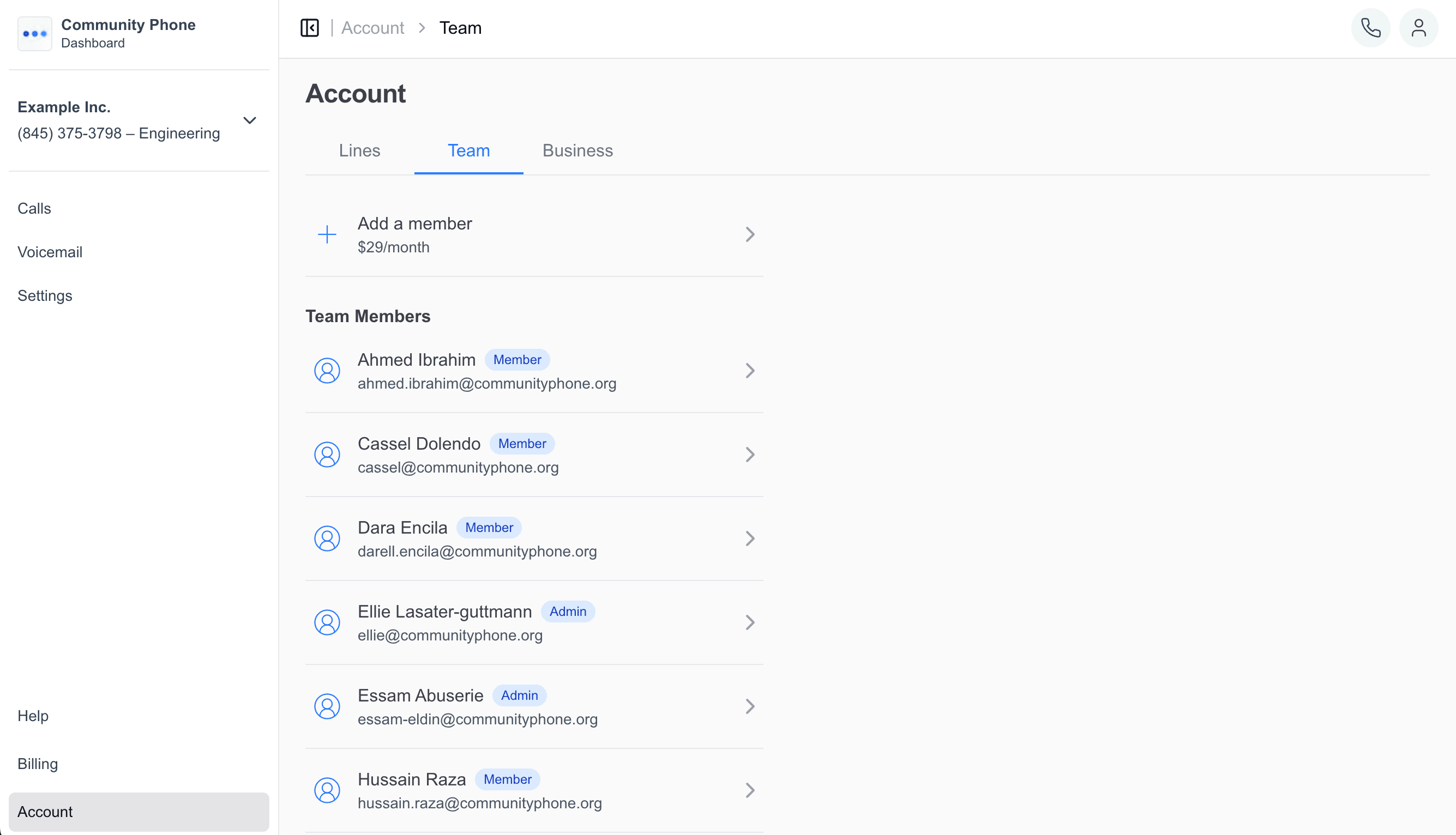
Built for growing businesses. Give team members access to your business line so they can answer calls and help customers from their own phones and computers.
Trusted by


Without a team, you get overwhelmed
Customers can’t reach anyone when you’re busy. Team members can’t help customers because they don’t have access to the business line. You become the bottleneck.
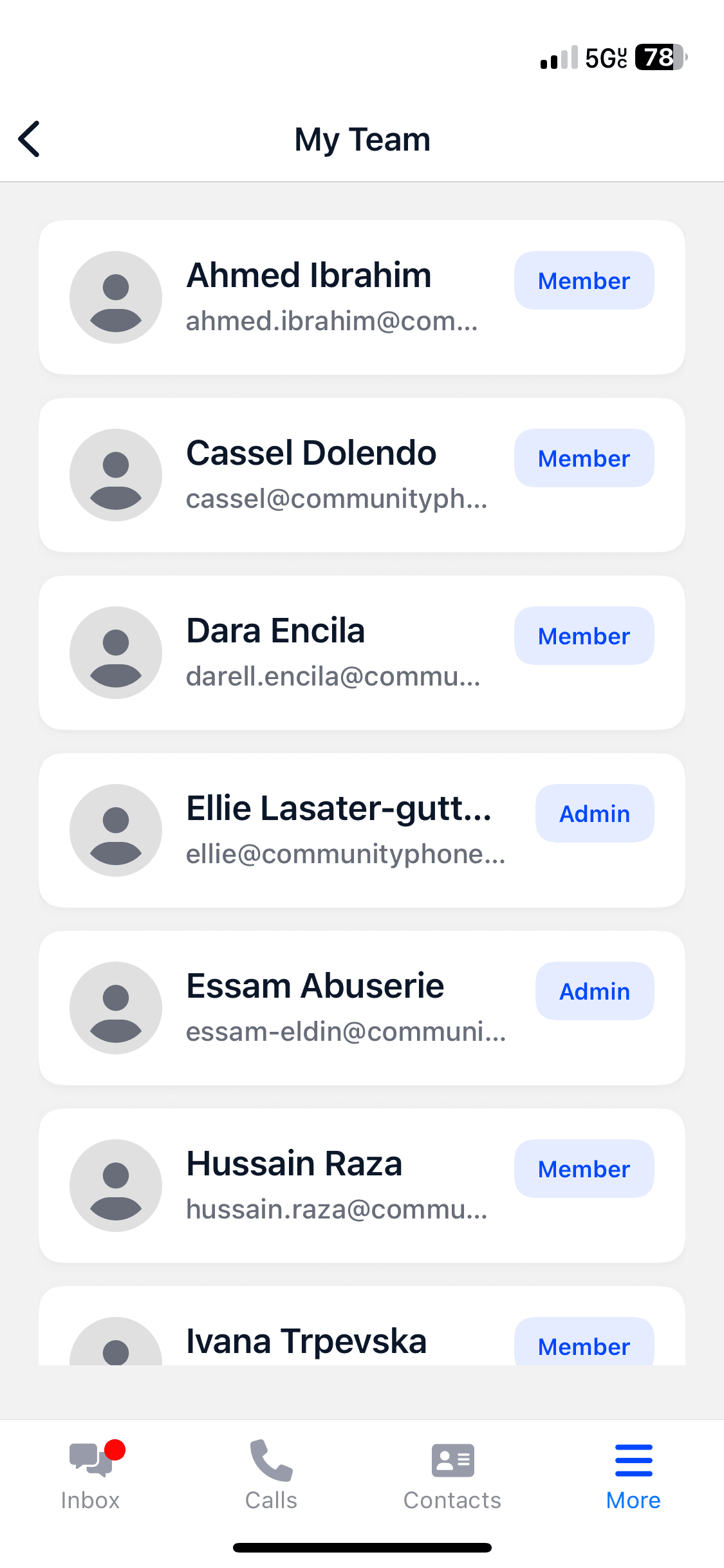
Give your team access to help customers
Invite team members to your business phone system. They can answer calls, check voicemails, and help customers using the same business number from their personal phones. It’s as easy as:
- 1
- Invite a team member via the Community Phone app.
- 2
- They accept the invite.
- 3
- They immediately can answer business calls in their Community Phone app.
Customers Love Us
- Customers Nationwide
- 30,000+
- 4.7 stars across 1,400+ reviews

Frequently asked questions
Have a different question and can’t find the answer you’re looking for?
Reach out to our support team by calling us at (866) 969-4886.
- How many team members can I add?
- You can invite unlimited team members to access your business phone system.
- Do team members need special phones?
- No. Team members just download the Community Phone app on their personal smartphones to access the business line.
- Do customers know they’re talking to different team members?
- Customers see the same business number and name regardless of which team member answers, maintaining consistent branding.
- Can I remove team members easily?
- Yes. Add or remove team member access instantly through your app without affecting the business line.
Stop Being the Only One Who Can Answer Calls
Give your team access to help customers immediately.
Ready for phone service that actually works? Talk to our team—real humans, under 2-minute wait times.