Import Your Contacts to Your Business Phone
Built for business owners who already have customer contacts. Sync contacts from your personal phone to your business line without manual entry.
Trusted by


Starting over with contacts is a pain
You already have customer phone numbers in your personal phone. Re-entering hundreds of contacts manually takes forever. Don’t let your business phone feel empty.
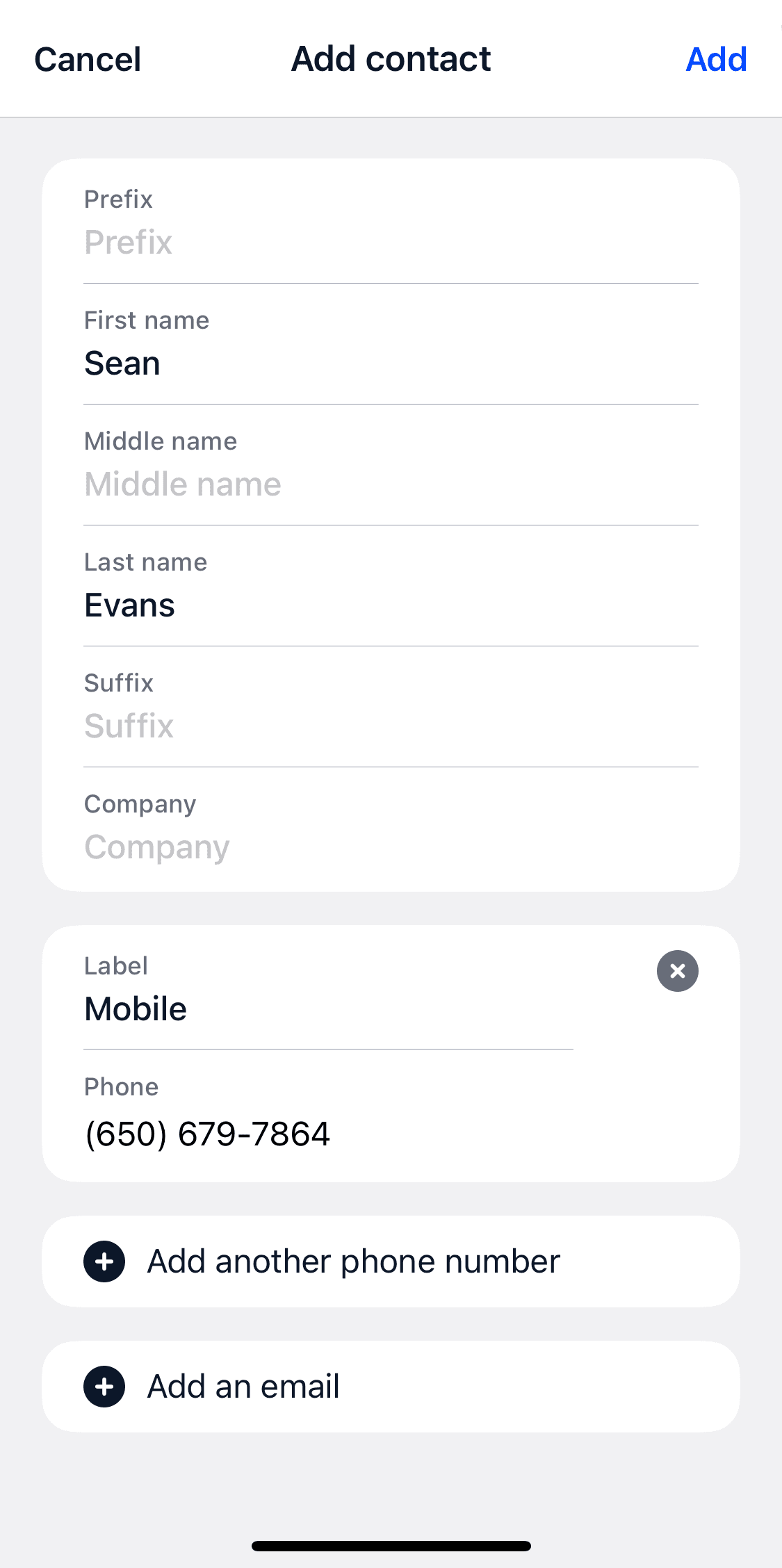
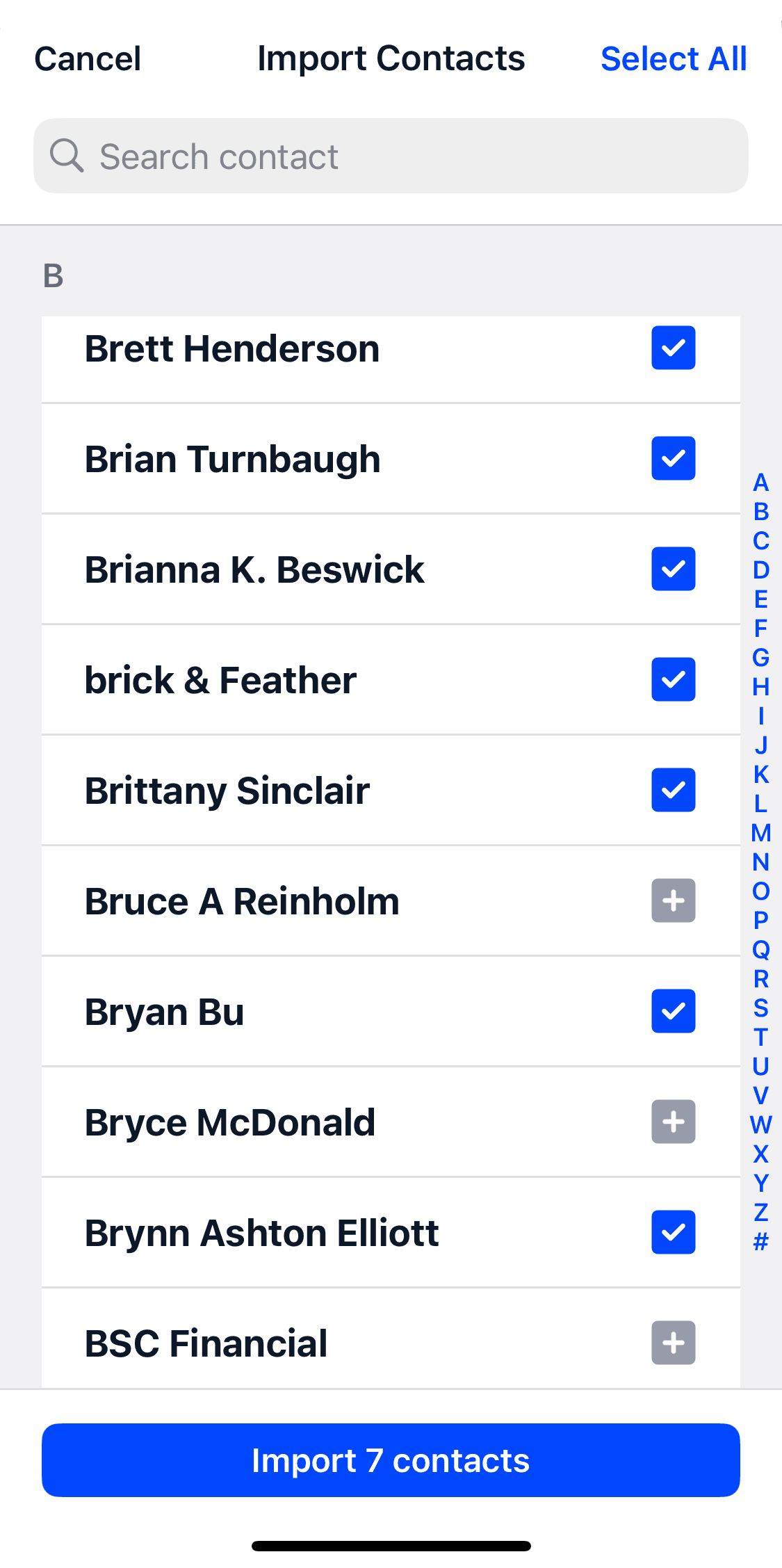
Bring your existing contacts over to your business line
Sync contacts from your personal phone to Community Phone instantly. Keep all your customer numbers organized in your business phone system.
Customers Love Us
- Customers Nationwide
- 25,000+
- 4.7 stars across 1,100+ reviews

Frequently asked questions
Have a different question and can’t find the answer you’re looking for?
Reach out to our support team by calling us at (866) 969-4886.
- How do I sync contacts from my personal phone?
- Use the Community Phone app to import contacts directly from your personal phone’s contact list with just a few taps.
- Will this affect my personal contacts?
- No. Contact sync only copies contacts to your business phone system – your personal contacts remain unchanged.
- Can I choose which contacts to sync?
- Yes. You can select specific contacts to import or sync all contacts, depending on your preference.
- What happens if I update a contact later?
- You can update business contacts independently, or re-sync specific contacts from your personal phone as needed.
- Can team members see the synced contacts?
- Yes, business contacts are shared with your team for easy collaboration.
Stop Re-Entering All Your Customer Contacts
Import your existing contacts and start calling customers today.
Ready for phone service that actually works? Talk to our team—real humans, under 2-minute wait times.